
Gather valuable customer insights to enhance your products and boost revenue by adding custom questions to your review form.
In this article, we'll cover how to add custom questions to your Product Review Form and its customization options.
Adding custom questions to your Product Review Form is available on the Convert Plan and up. Click here to upgrade your plan.
Question types
When adding a custom question to your Product Reviews Form, you can choose from 3 question types:
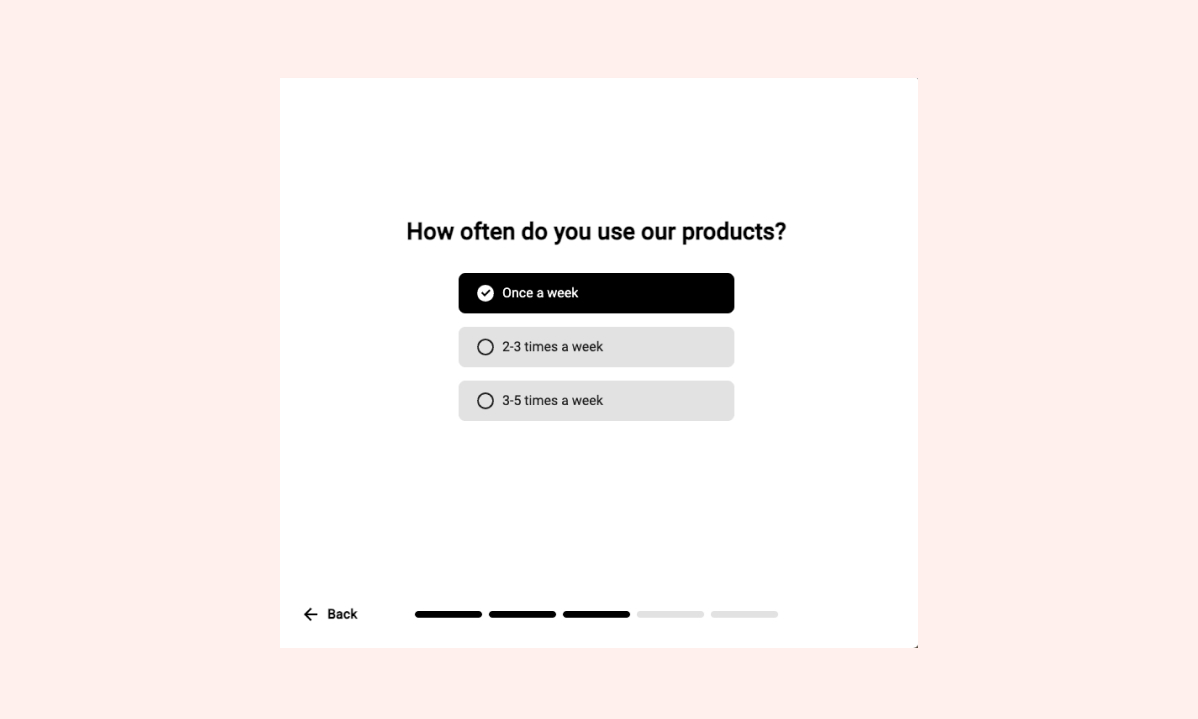
Single Select
The Single Select question type allows customers to choose one answer from a list.
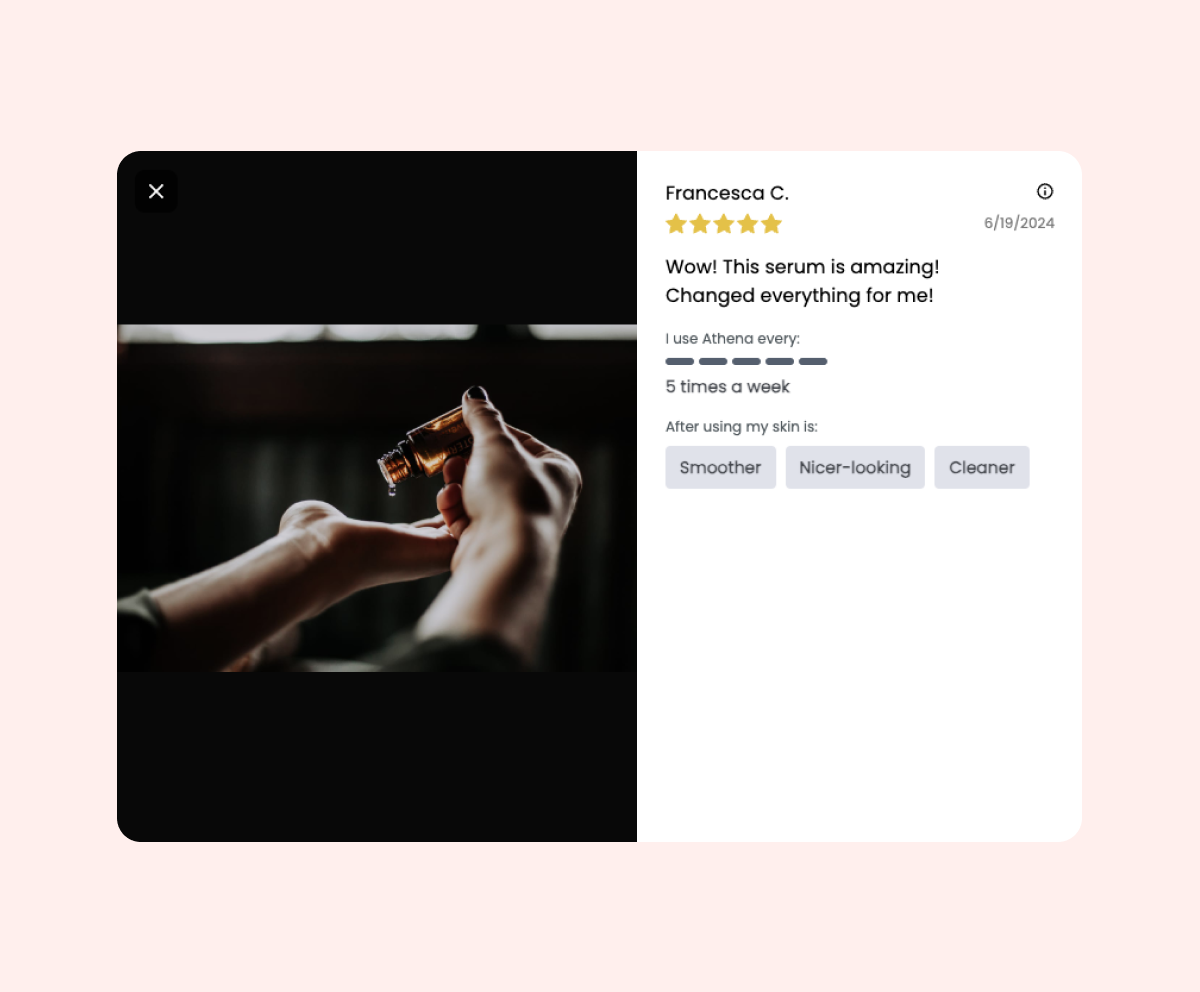
This is great for yes/no questions or gathering specific feedback to improve your products. For example, "How often do you use our products?" with time frame options.
Multi-Select
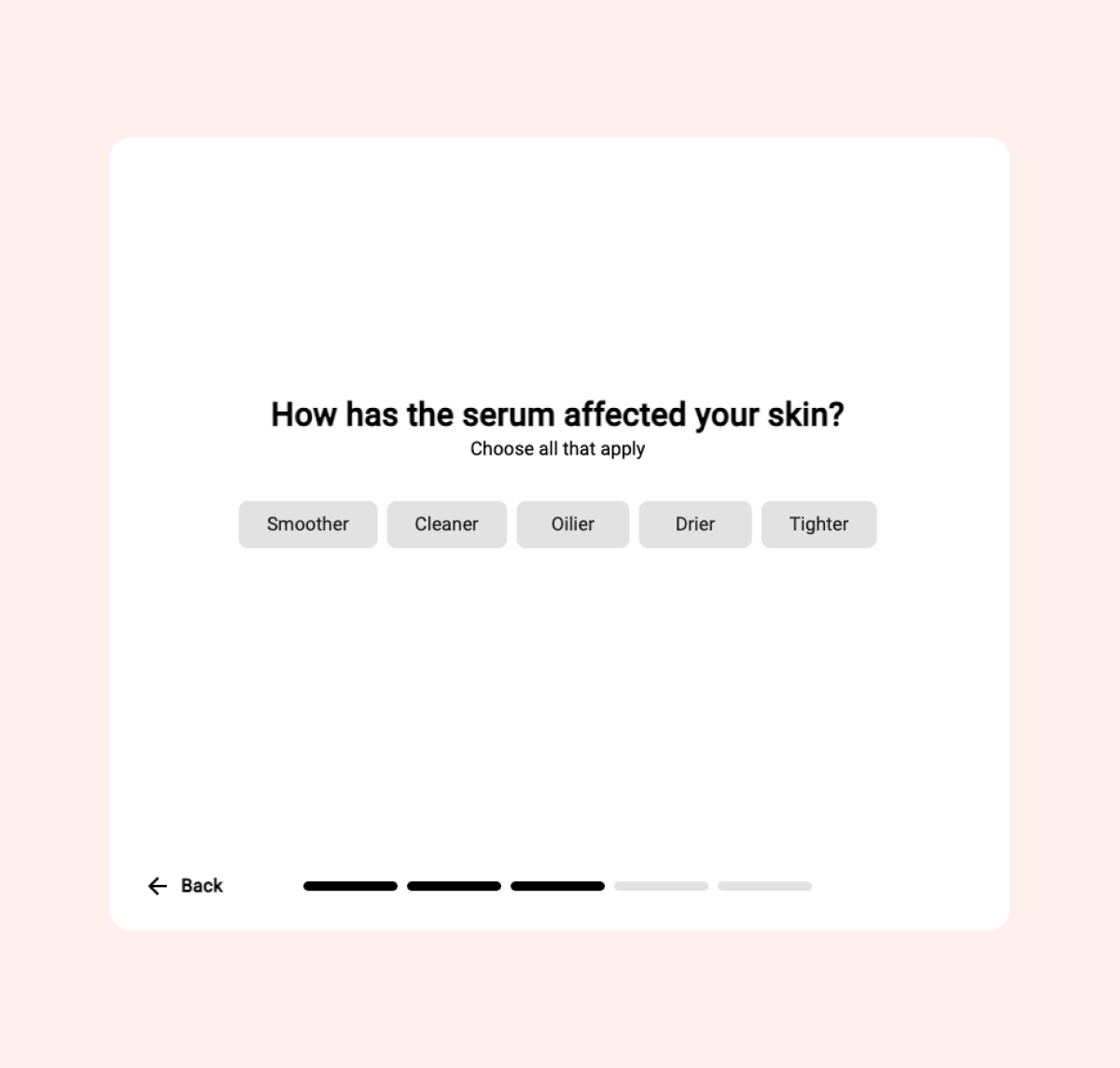
The Multi-Select question type allows customers to choose multiple answers from 2-5 options.
For example, ask, “How has [product] affected your skin?” with options like “Smoother,” “Oilier,” “Tighter,” etc. Customers can select all that apply, providing detailed insights into what they value most.
Rating scale
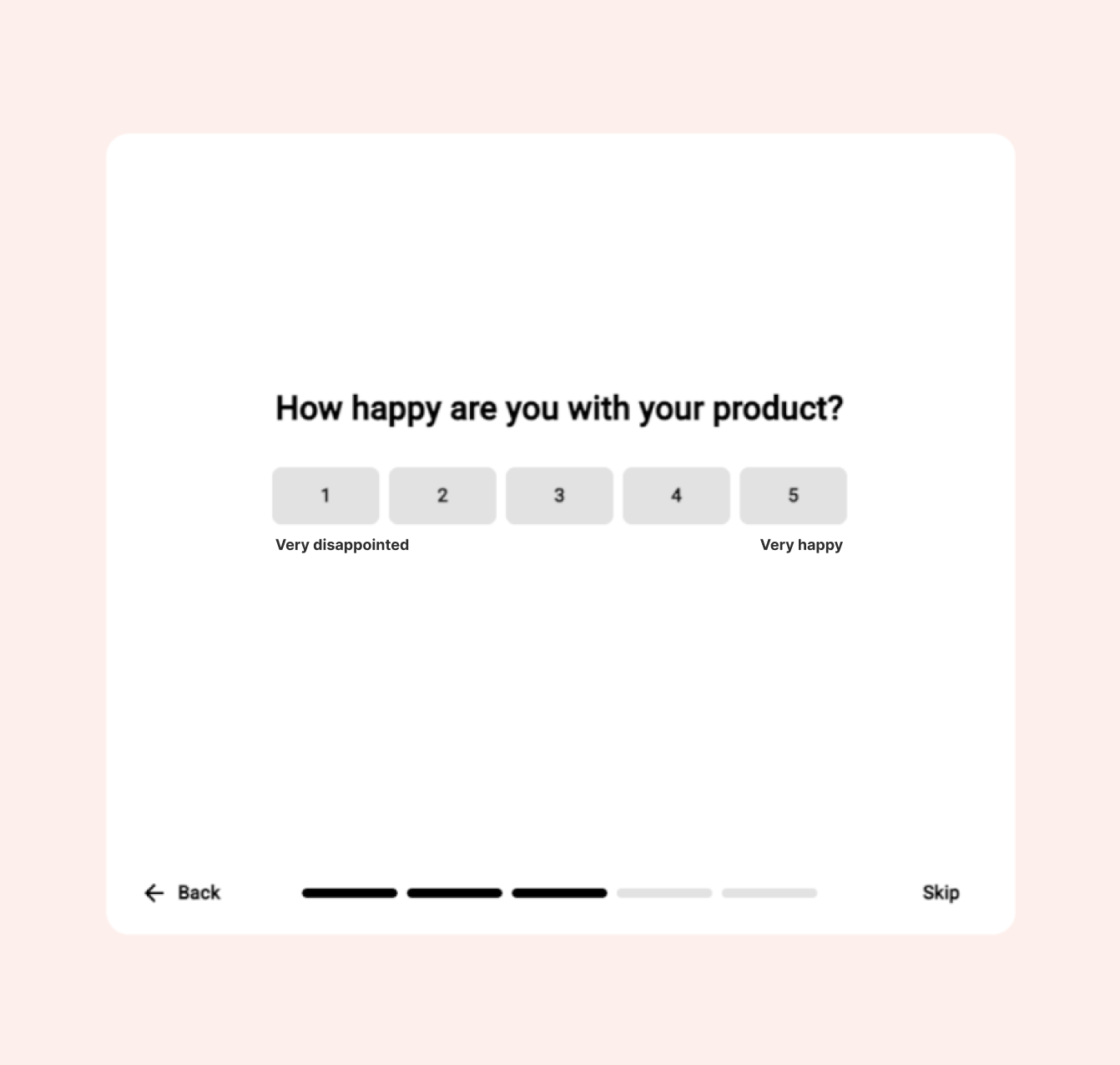
The Rating scale question type allows customers to rate their experiences on a scale of 1 to 5 or highest to lowest.
Let customers rate their experience to better understand their satisfaction, gather valuable feedback, and build trust by improving their purchase journey.
Adding a custom question to your Product Review form
To add a custom question to your Product Review Form:
- Go to "Review form" within “Collect Reviews”.
- Scroll down to "Custom questions".
- Click "Add question".
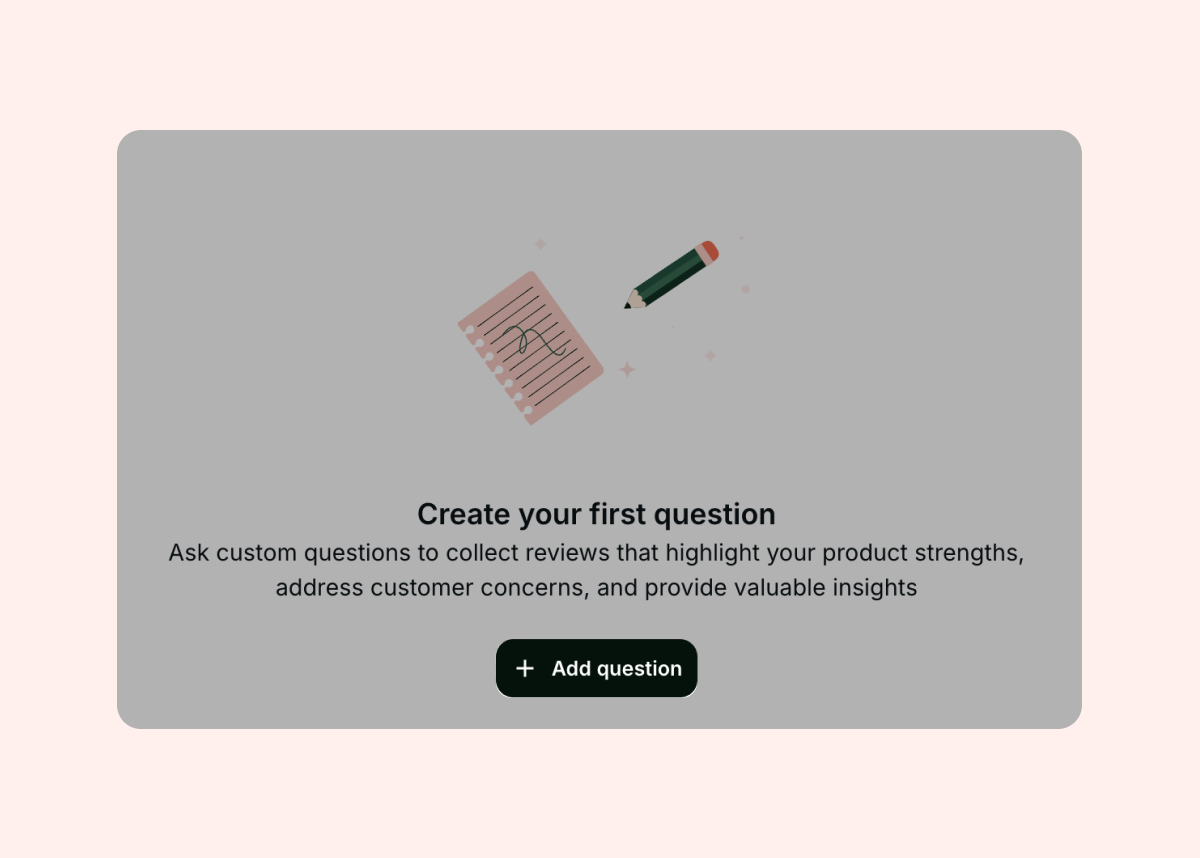
- Add a question and give it a title.
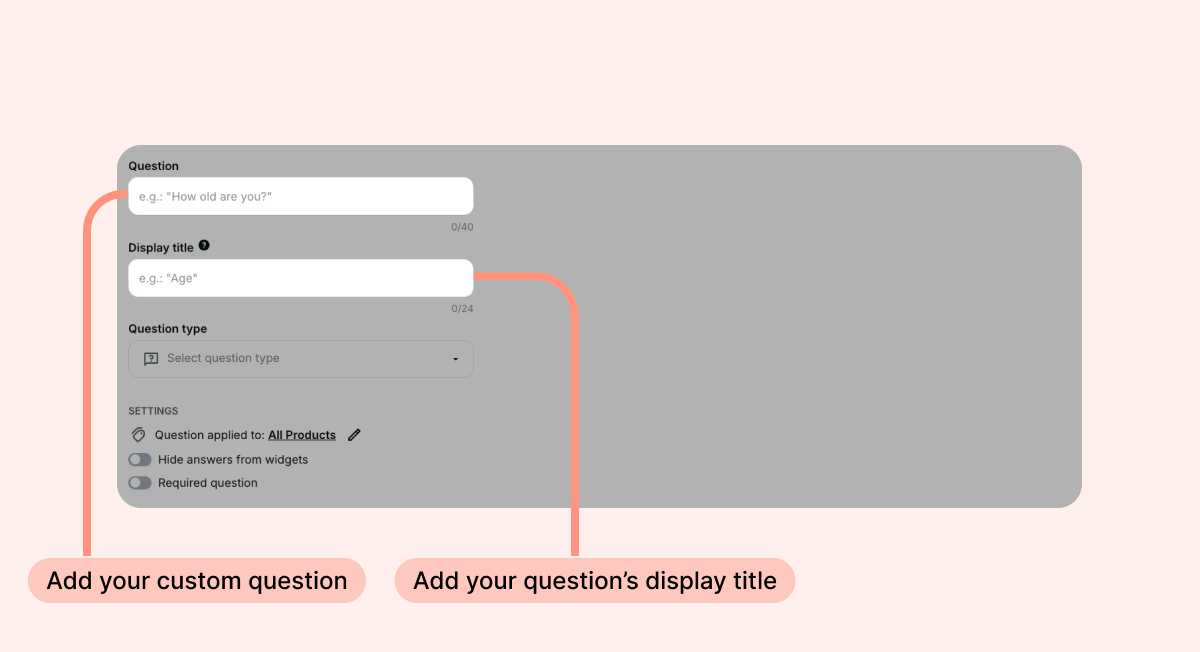
- Select your question type.
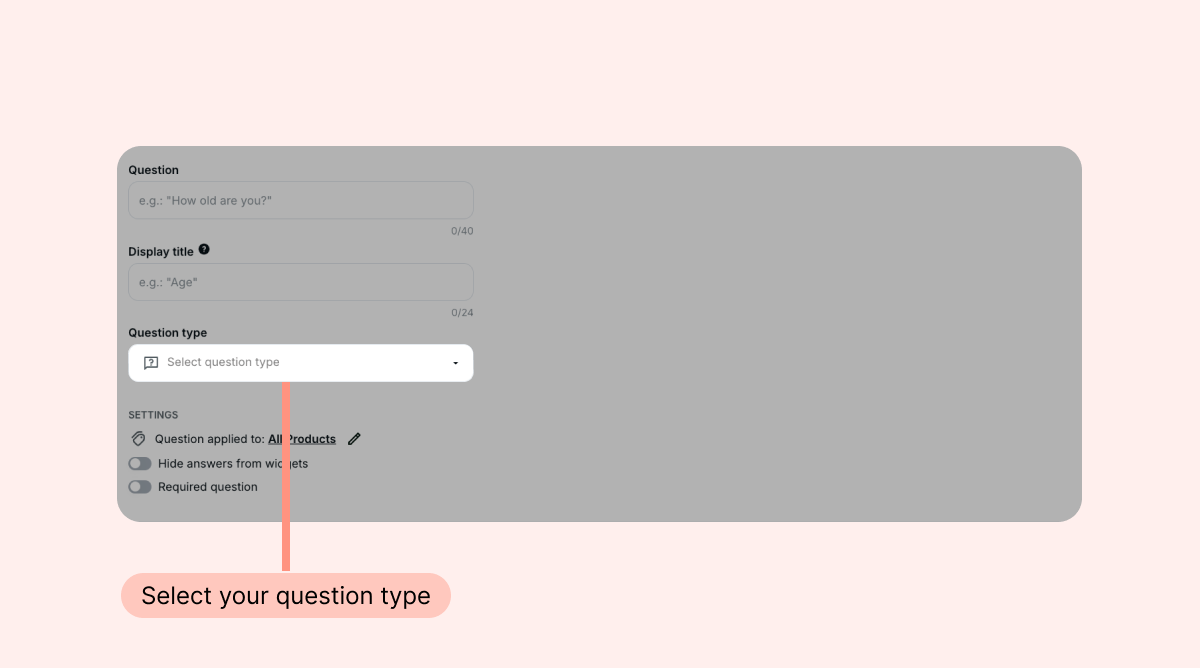
Tip: To learn more about the different question types, read the section above.
- For "Multi select" and "Single select" question types, define 2-5 optional answers.
- For "Rating scale" question type, define 5 options.
- Once done, click "Save".
Your custom question will now appear on your Product Review form.
Assigning your custom question to a specific collection
Set your custom question to appear only for reviews of products within a specific collection.
To assign your question to a specific collection of products:
- Click the "Pencil" icon next to "All products" to open the collection picker.
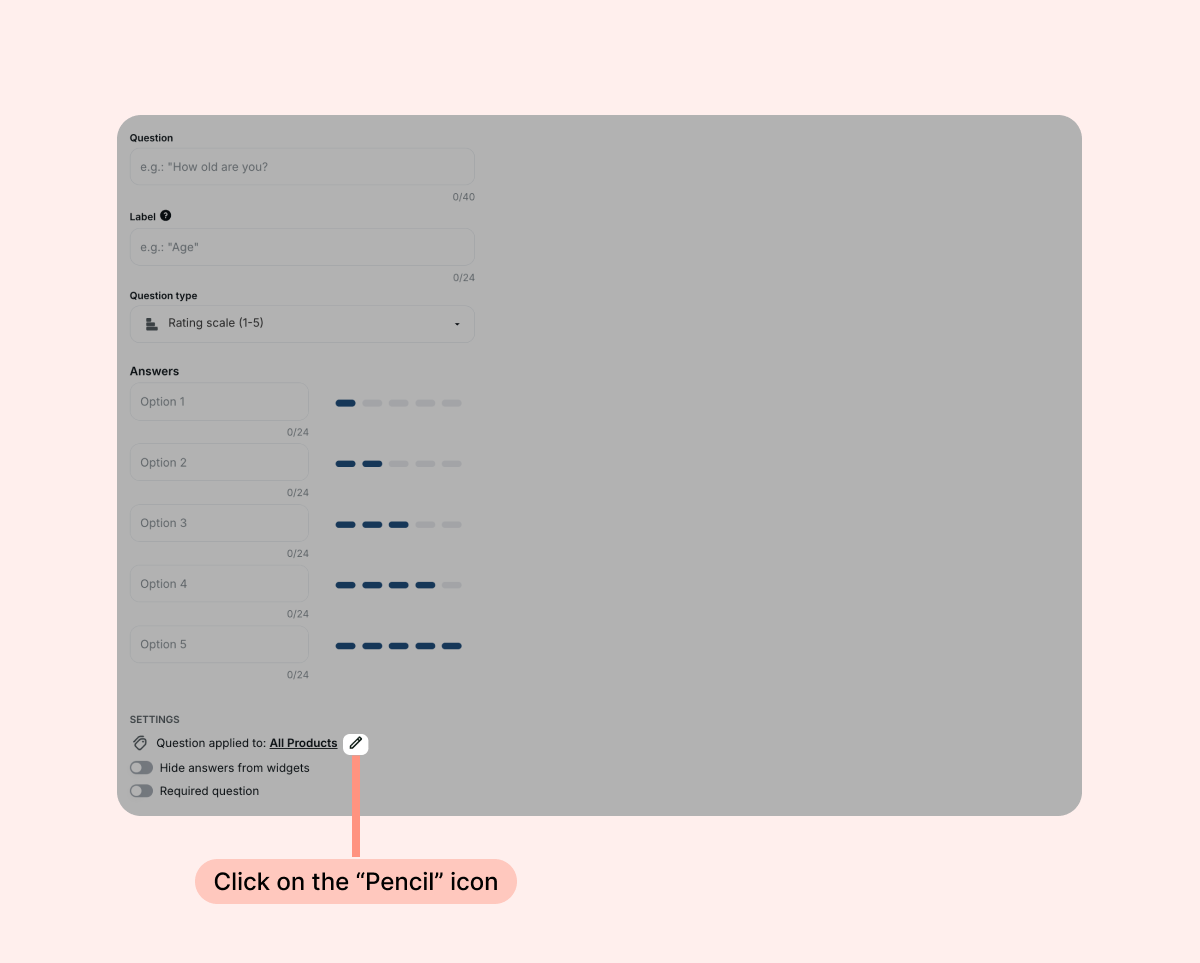
- Select the collection you would like to assign the question to and click "Add".
- Click "Save".
Note: Each question can be assigned to a maximum of 10 collections.
Customization options
We offer advanced settings for each custom question you add to your form:
- Question applied to - Set your custom question to appear for all products or only for products within a specific collection.
- Hide answers from widgets - When checked, your customers' answers will not be publicly displayed on your review widgets. You'll be able to see them on your Loox admin.
- Required question - When checked, your customers must answer this question before they can submit their reviews.
Tip: Custom questions use your review form colors, and answer options follow your Buttons color. Learn how to change them in Customize your form's colors.
You can see your customers' answers under "Manage reviews".
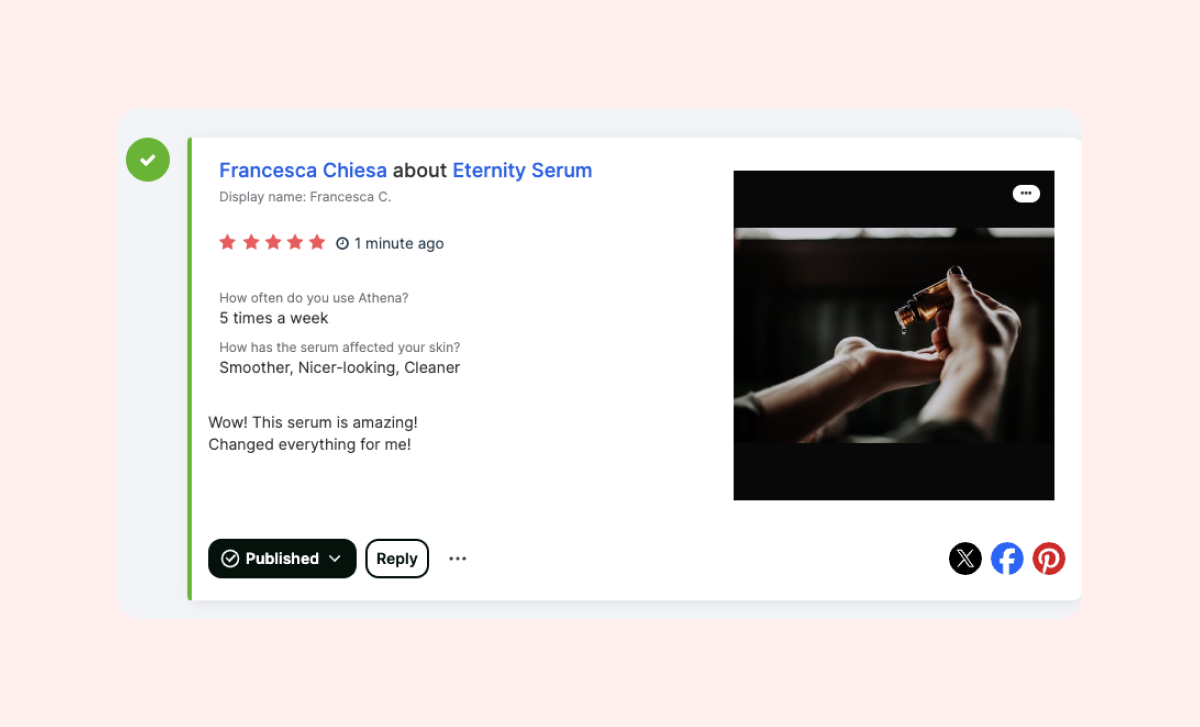
If “Hide answers from widgets” isn't checked, your customers' answers will also be publicly displayed on Loox widgets across your store.
FAQs
Q: Can I add custom questions to a collection that's only available on my PoS Sales Channel?
A: No - custom questions can only be applied to collections that are available on your Online Store sales channel.
Q: Where will customers' answers to the custom questions be displayed?
A: By default, your customers' responses to your custom questions will appear on your Loox Reviews Widget whenever a customer clicks to open a specific review. You can also opt to keep the answers hidden so they won't appear publicly on your widgets- the setting for that sits within your Custom Questions settings.
If you have more questions, contact our Support team at [email protected]. We're available 24/7 and happy to help!