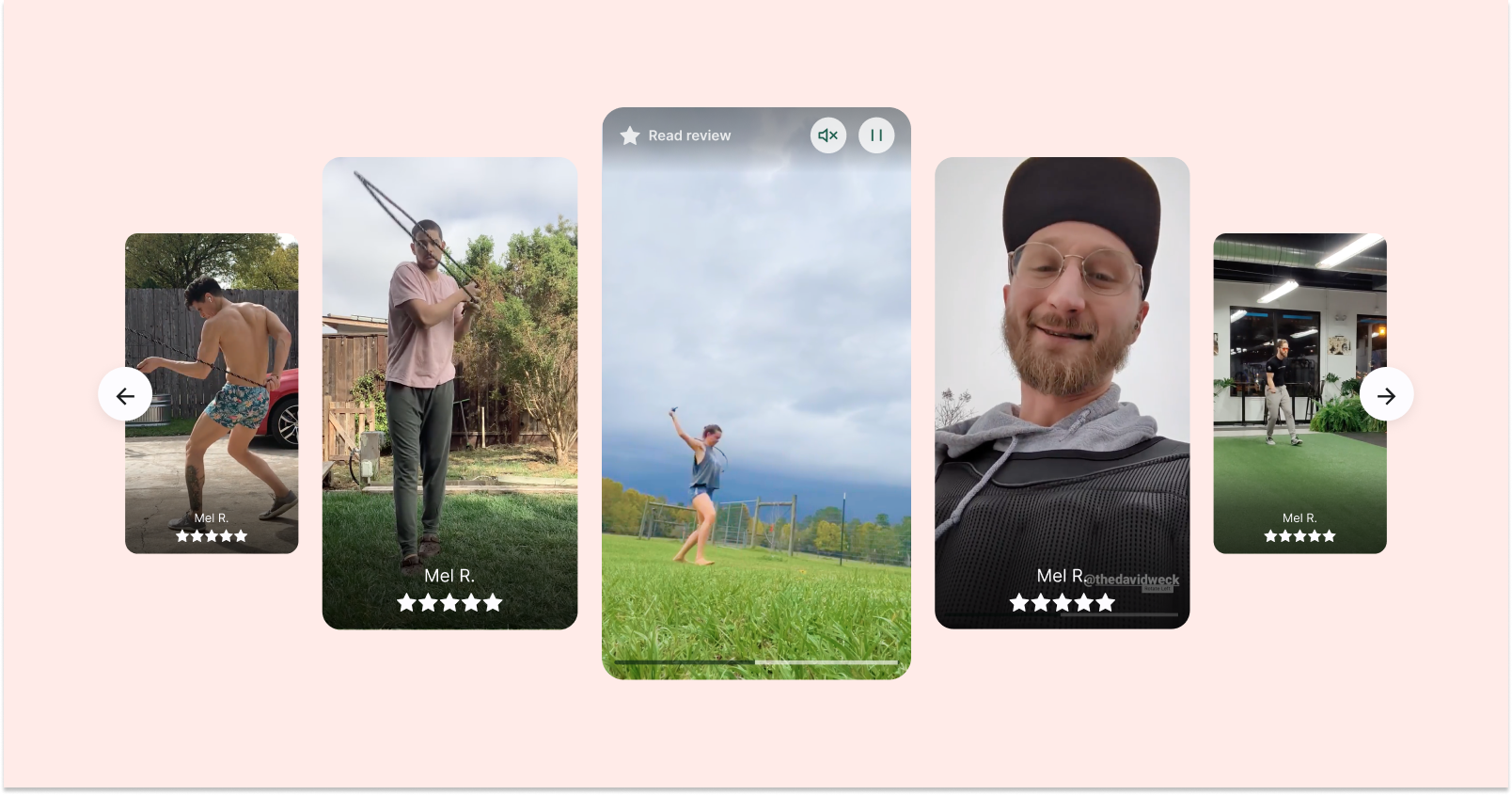
Learn more about adding the AI Review Stories Widget via code.Display Loox widgets anywhere app blocks aren't available by adding the widgets via code.
The article below will walk you through the different Loox Widgets available for you to use and their unique characteristics.
When to add widgets via code vs. via app block
You might need to add widgets via code if:
1. you're on a vintage (Shopify 1.0) theme.
2. you're on a 2.0 theme but want to add the widget in a location where you can't use the Loox widget app block. For example- if you want to add the widget to a custom snippet, a collection card, or the cart drawer.
If you're on a 2.0 theme and have the option to do so in the location you want, use the widget's app block instead - it's easier to customize. Read more about adding widgets via app block.
Note: Settings like "Layout" and "Text" in your Shopify theme editor only apply to Loox app blocks. They do not affect widgets that were added via code.
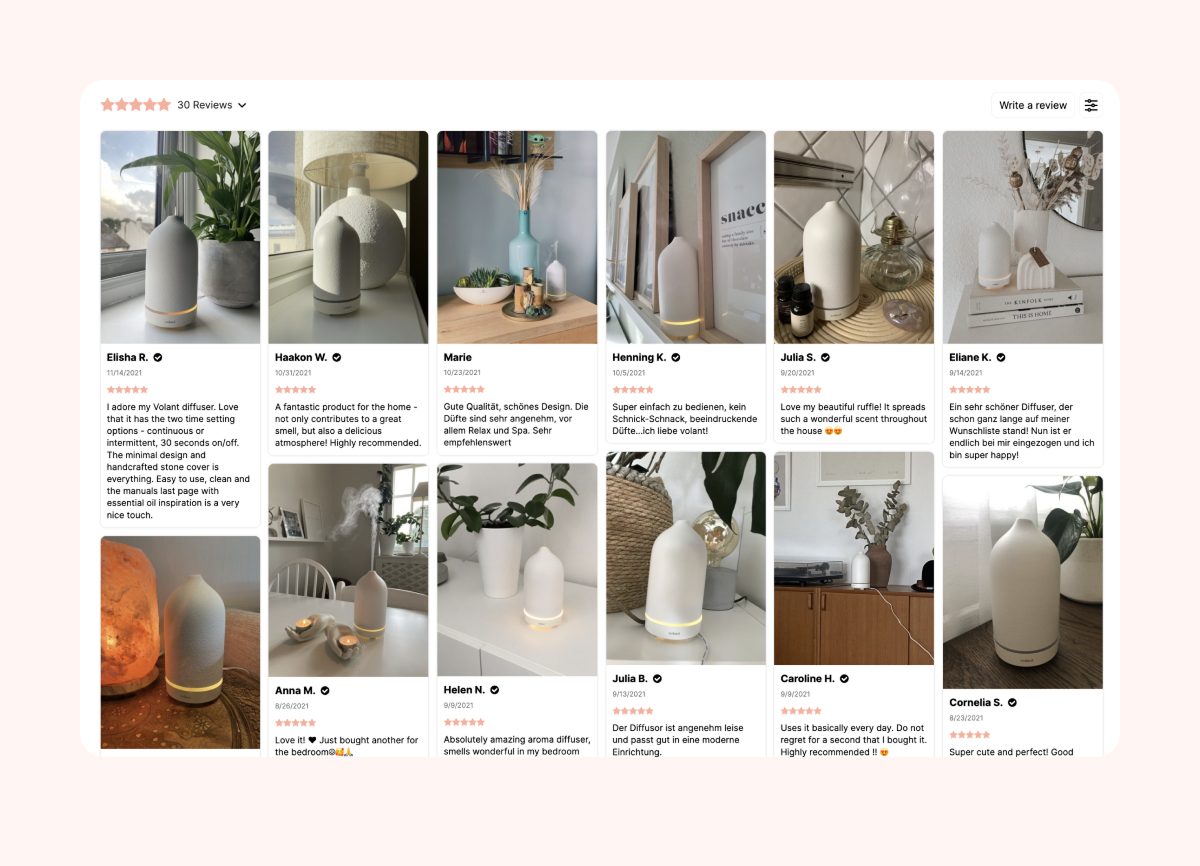
Reviews Widget
Display your reviews in a grid or list layout, adding social proof to your product pages.
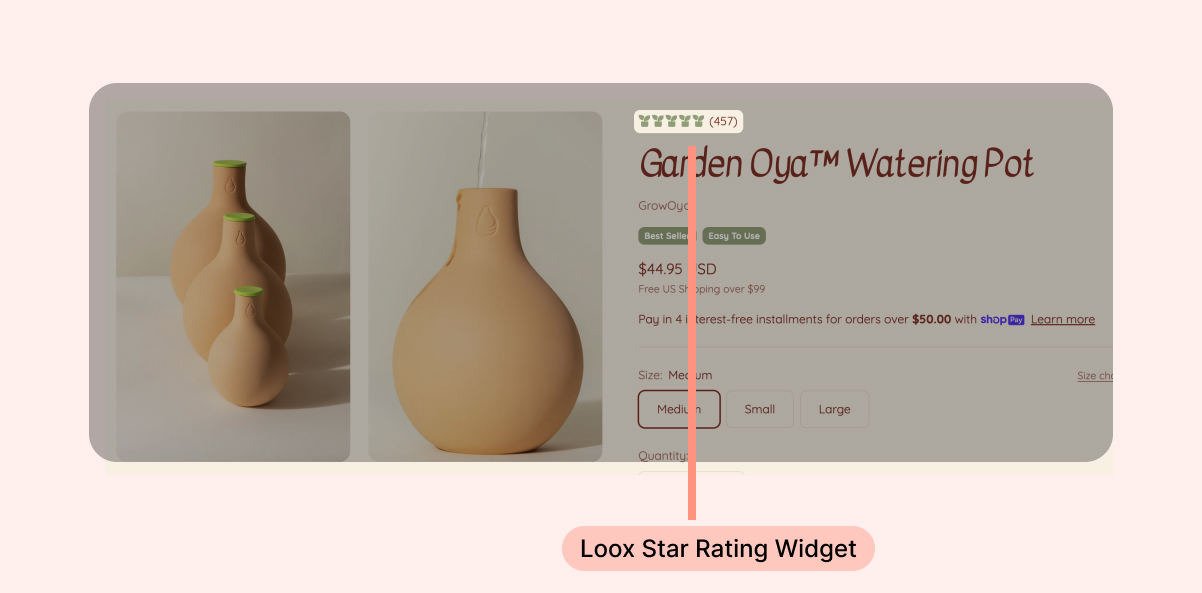
Star Rating Widget
Display your products’ average rating and the number of reviews collected for each product with the Loox Star Rating Widget.
AI Review Stories
Turn your reviews into an engaging, tappable, socials-style story using this AI-automated widget.
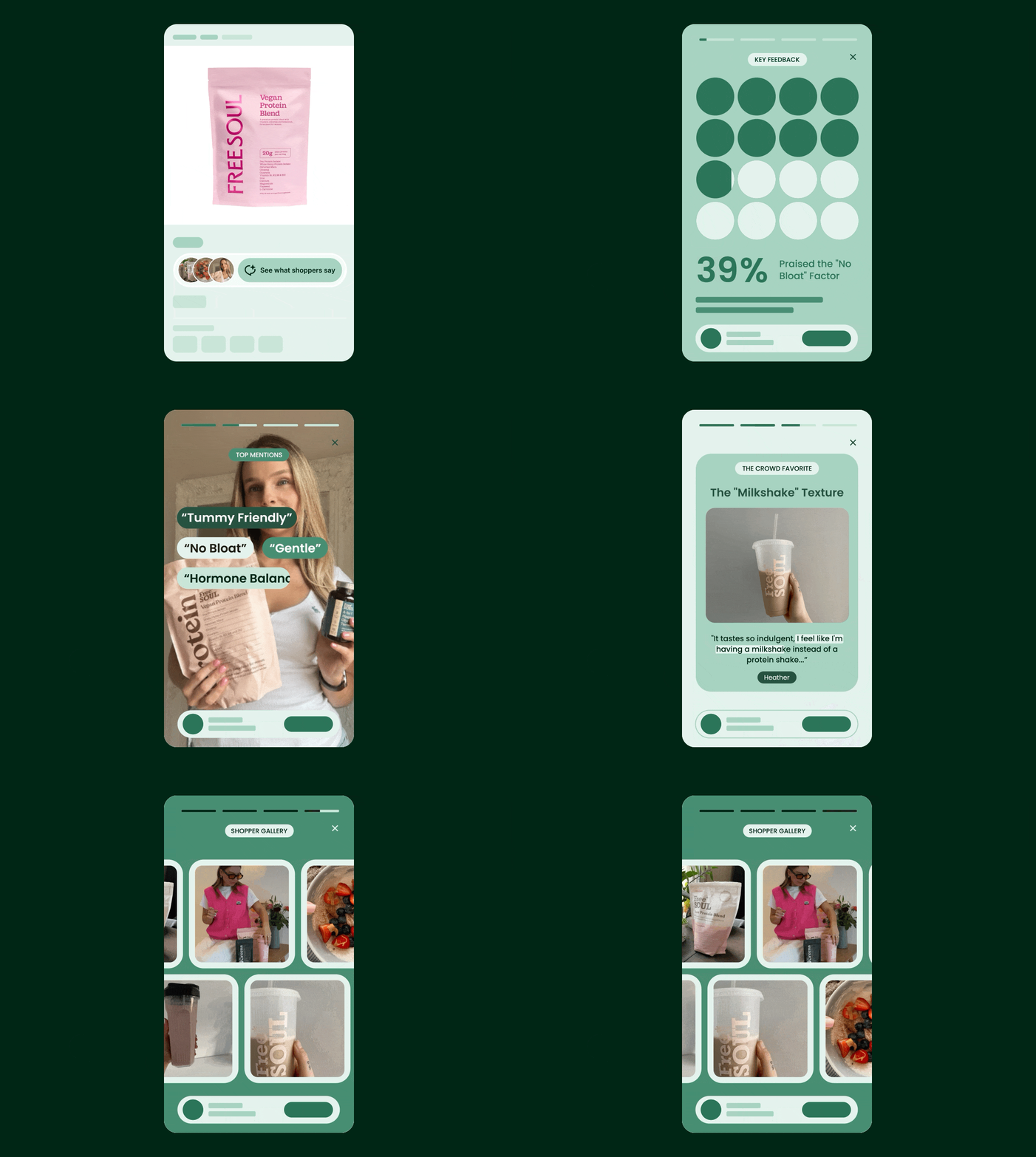
This widget, along with a whole suite of AI-based features, is available on the Convert Plan and up.
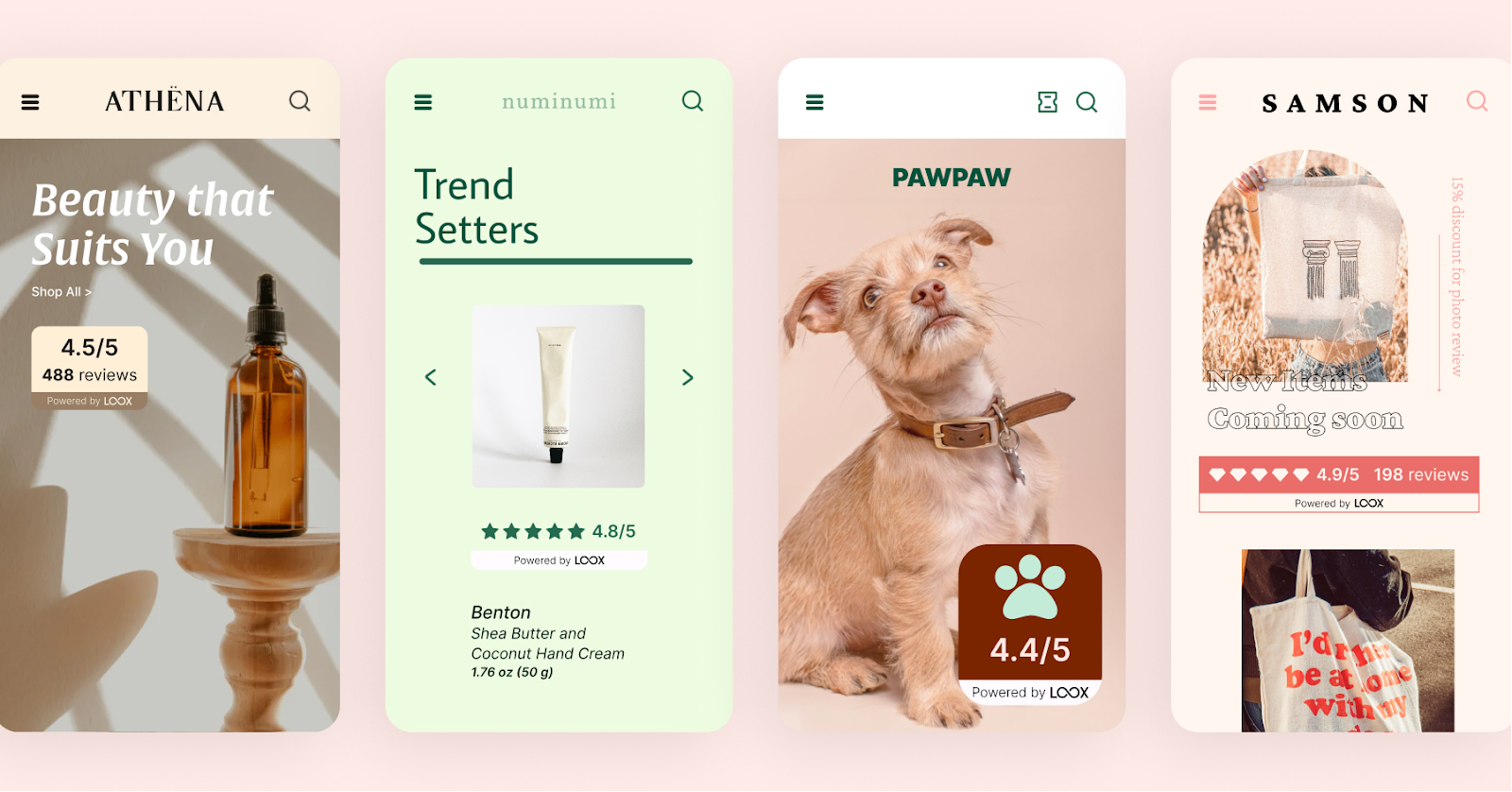
Loox Trust Badge
Build trust and credibility with your visitors using the Loox Trust Badge.
You can put your social proof front and center on your pages, providing your visitors with a snapshot of the number of reviews your store collected, as well as the total average rating in one visually compelling widget.
Carousel Widgets
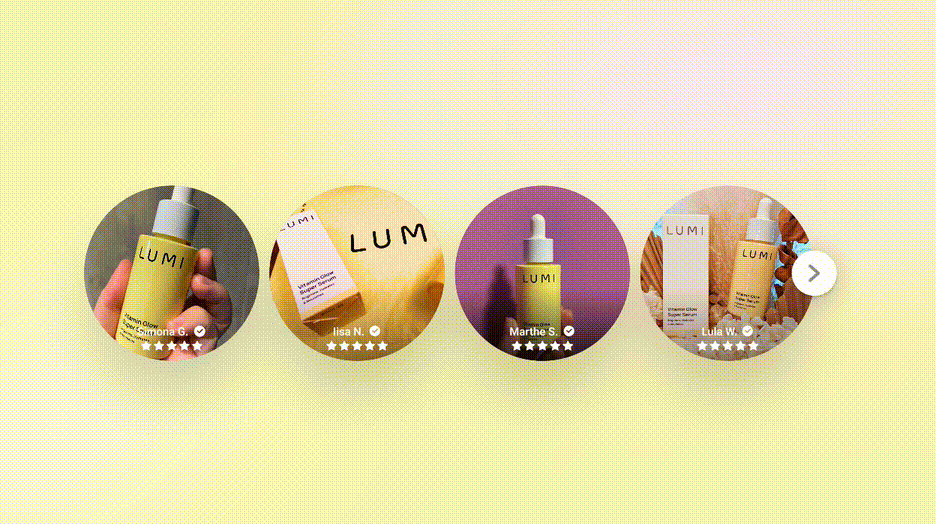
Using Loox Carousel Widgets, you can turn your favorite reviews into captivating social proof.
By highlighting your biggest advocates, you can build strong social proof and trust to help direct new customers to your product pages.
Our Carousel Widgets provide you with the option to showcase your store’s reviews in one of three different layouts:
Dynamic Carousel Widget
Showcase your best photo and video reviews alongside the review text in this dynamic, interactive widget.
Testimonials Carousel Widget
Showcase only the text of each review in an eye-catching display. This widget emphasizes only the text attached to your customers’ reviews and excludes any photos and videos.
Gallery Carousel Widget
Spotlight your user-generated photos and videos and put them front and center for your customers to see. This widget only showcases your customers' photos and videos and excludes text.
Cards Carousel Widget
This widget combines the text and photos or videos submitted by your customers to create a stylish carousel, taking your brand’s social proof to the next level.
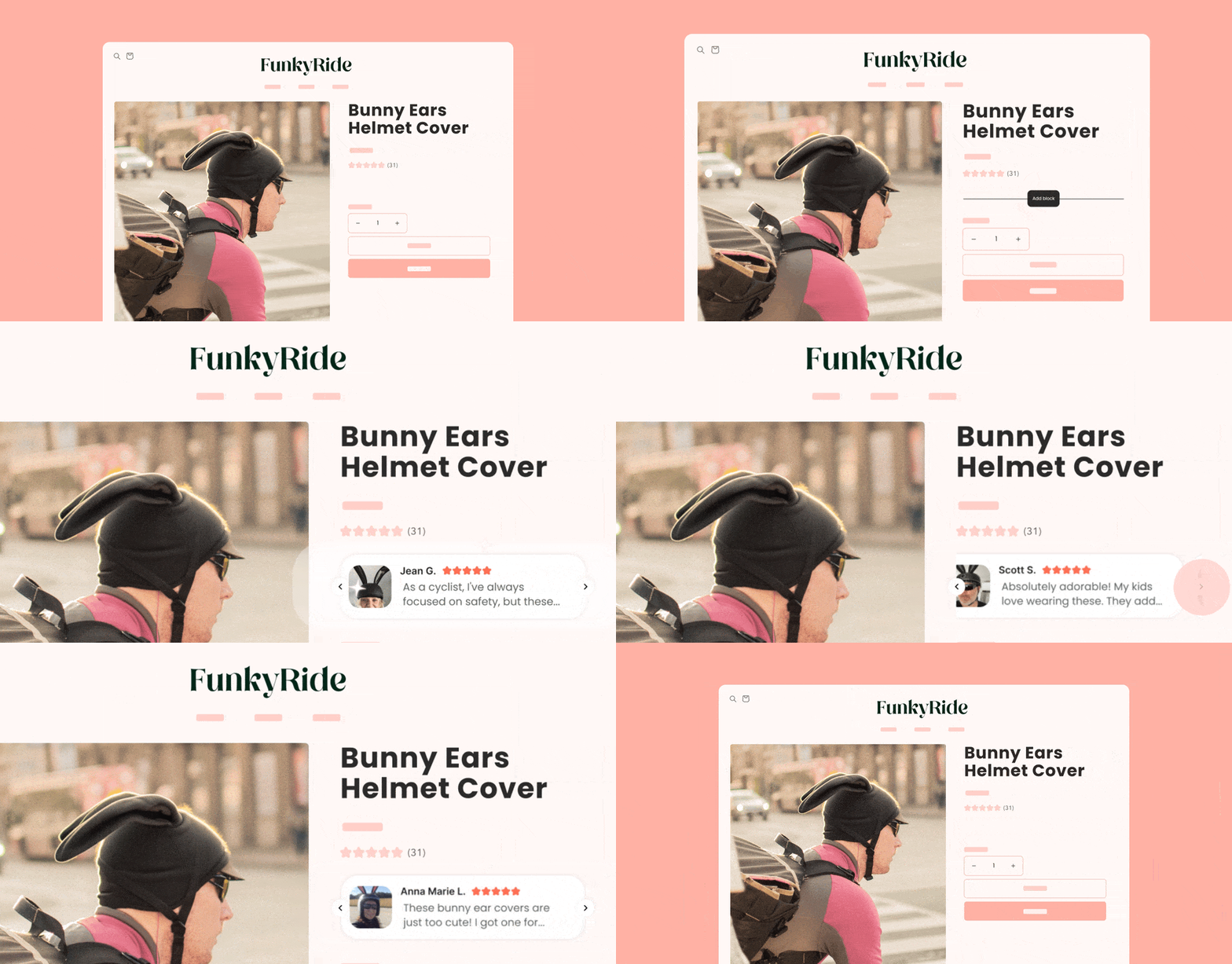
Snippets Widget
Get instant trust by showing your best reviews at the top of your product pages with our Snippets Widget.
Video Slider Widget
Display your best video reviews to captivate and build deeper emotional connections with visitors using our Video Slider Widget.