
Note: Shopify manages all app charges and billing cycles according to its policy.
How am I charged for Loox?
Once you choose a plan, a charge will be created and will only be applied once your trial period has ended. This includes usage charges that may occur on our Convert plan and Legacy Scale plan.
- Your Loox subscription is a 30-day subscription and will be billed at the beginning of each 30-day period.
- Your Shopify bill will include the Loox charge even though the billing period for Loox will likely be different from your Shopify billing period. Note that if you've triggered any usage charges, they may be split amongst several Shopify invoices due to the difference in the Loox and Shopify billing cycles. You can find your Shopify invoice in your Shopify Billing settings.
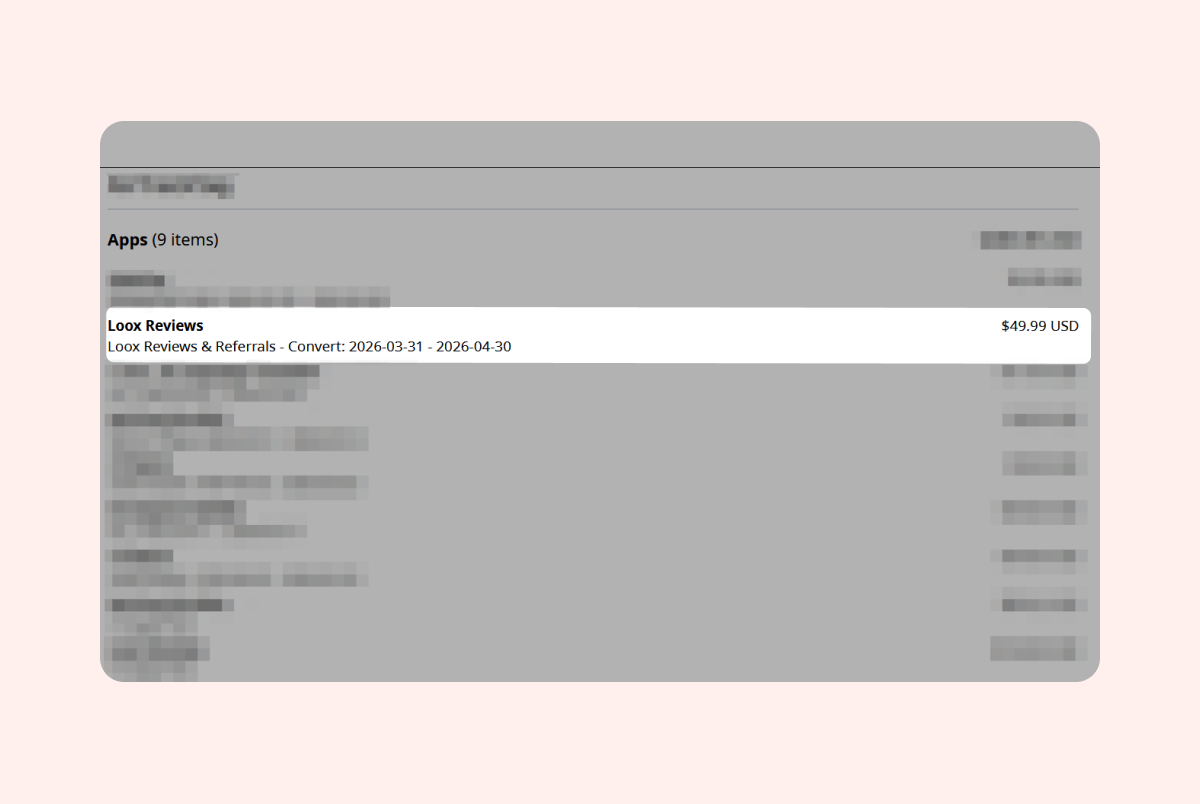 When choosing a Loox plan, you approve the subscription charges associated with it.
Managing your subscription
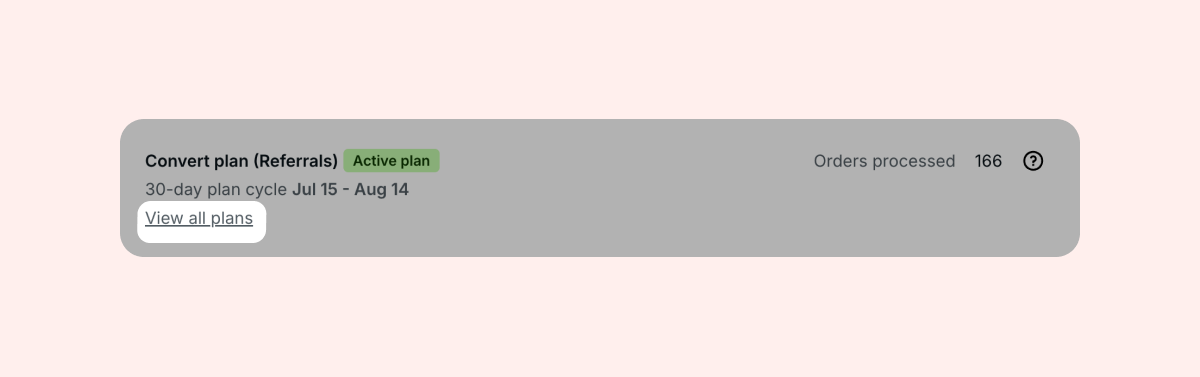
You can change your Loox plan at any time by going to Settings > General > Your Plan and clicking on "View all plans:"
- Uninstalling Loox - Once you uninstall an app from your store, Shopify will stop all future app charges from triggering, according to their policy. This does not include any pending charges that have already been created. Since Shopify charges in advance, you may still see a Loox charge after uninstalling- in that case, please reach out to our support team at [email protected] with your invoice and we'll be happy to help.
- Downgrading - When downgrading an app subscription, Shopify will trigger an automatic "application downgrade adjustment" to prorate the price difference between the two plans. This downgrade adjustment is given in the form of app credit, and its size is based on the number of days you subscribed to each plan.
- Pausing your store - When switching to the Pause and Build plan, third-party app charges will continue their billing cycles as usual according to Shopify's app charges policy. Shopify recommends uninstalling any third-party app with recurring charges to ensure you will not be charged while your store is on pause.
FAQs
Q: Where can I see the Loox charges on my Shopify invoice?
A: You can view all Loox charges directly in your Shopify Admin → Settings → Billing. Under the "App charges" section of your invoice, you will find details on your Loox plan and any usage charges.
Q: Will I lose my reviews if I uninstall Loox?
A: No! If you uninstall Loox and reinstall it later, all your reviews and settings will remain as you left them.
Q: Can I pause my Loox plan?
A: While Loox does not support pausing your subscription, you can temporarily remove Loox from your store and reinstall it later on. Once you return, all your reviews and settings will remain as you left them.
Q: What happens if I upgrade my plan mid-cycle?
A: When you upgrade your Loox plan, Shopify charges the full amount for the new plan and issues an automatic credit for the unused time on your previous plan. This credit is applied to your next invoice.
Q: When closing my Shopify store, do I need to cancel my Loox subscription separately?
A: No, once your store is closed or deleted, Shopify automatically cancels all active app subscriptions, including Loox. However, if you didn't uninstall Loox and later reopen that store, Shopify would automatically begin to trigger new app charges for Loox.
Q: What are usage charges on the Convert and Legacy Scale plans?
A: If you're on the Legacy Scale plan or the Convert Plan, usage charges apply once you exceed the monthly order limit included in the base price.