
Keep your valuable reviews and display them in Loox. With our import tool, you can move them over from Yotpo with just a few clicks.
To import your reviews from Yotpo:
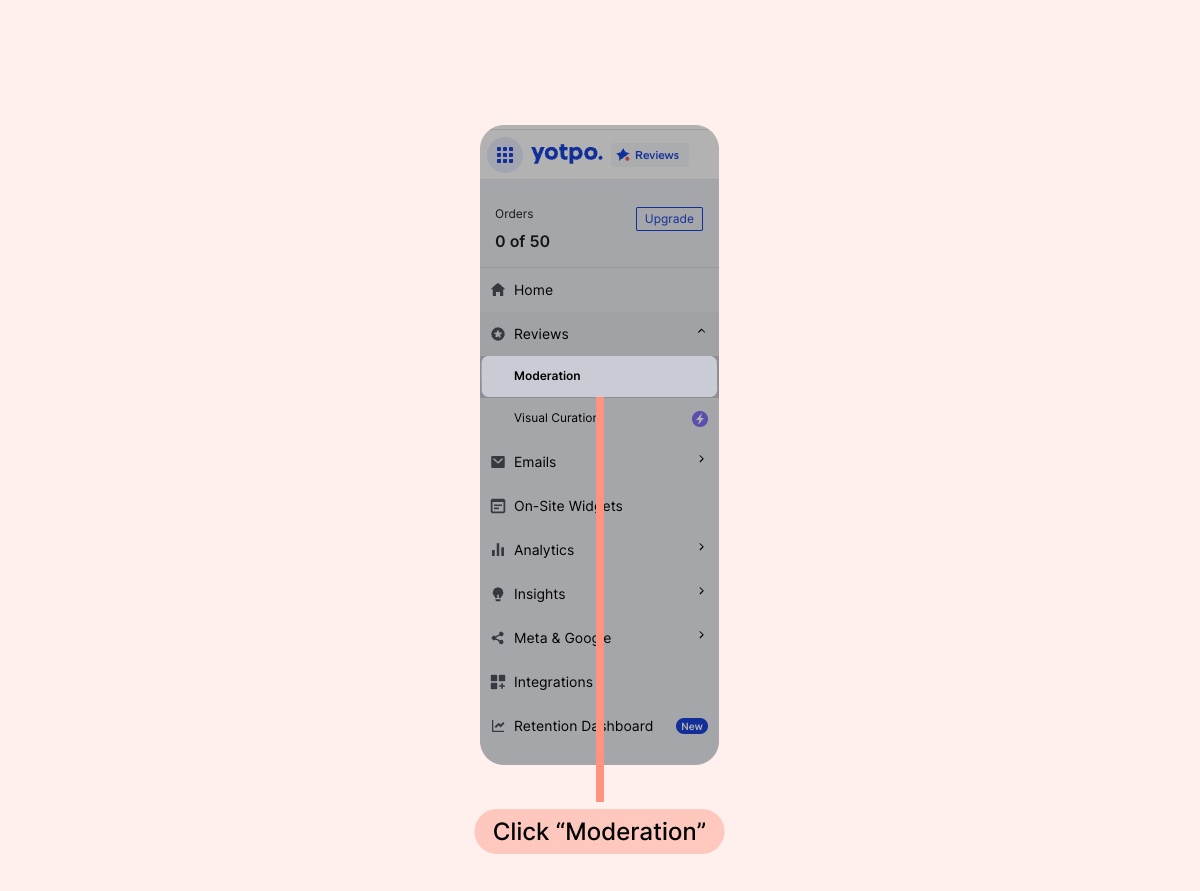
- Inside the Yotpo app, go to “Moderation” within “Reviews”.
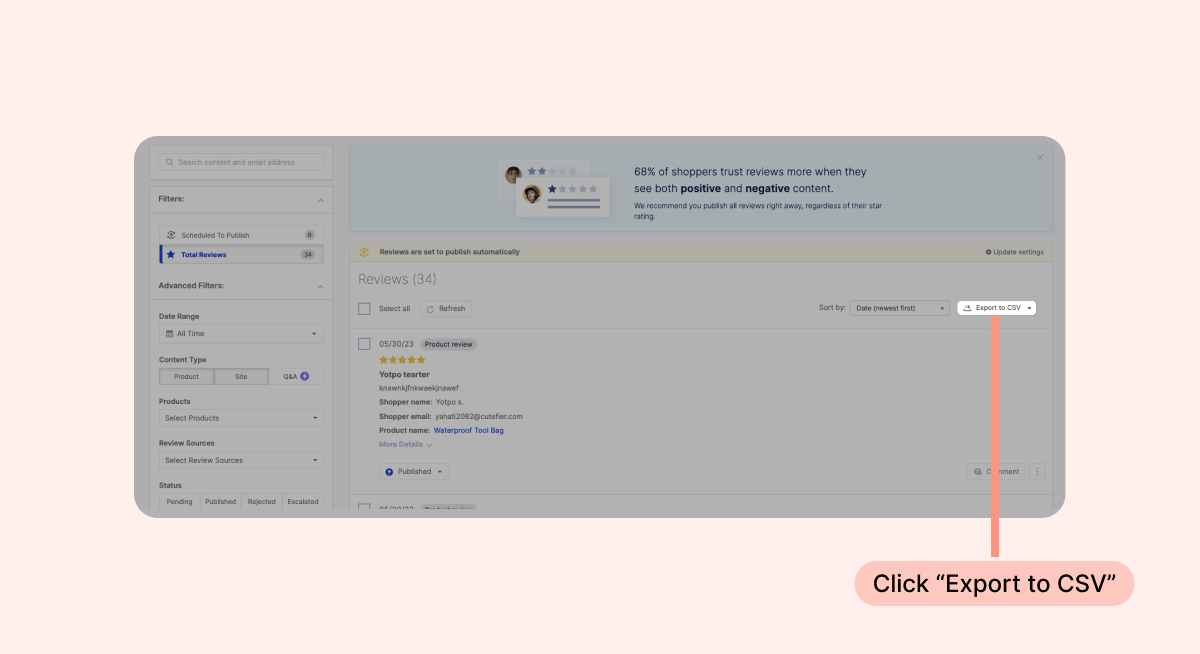
- Click “Export to CSV”.
- Within your Loox admin, go to "Manage Reviews" and click “Import Reviews”.
- Click "Yotpo”.
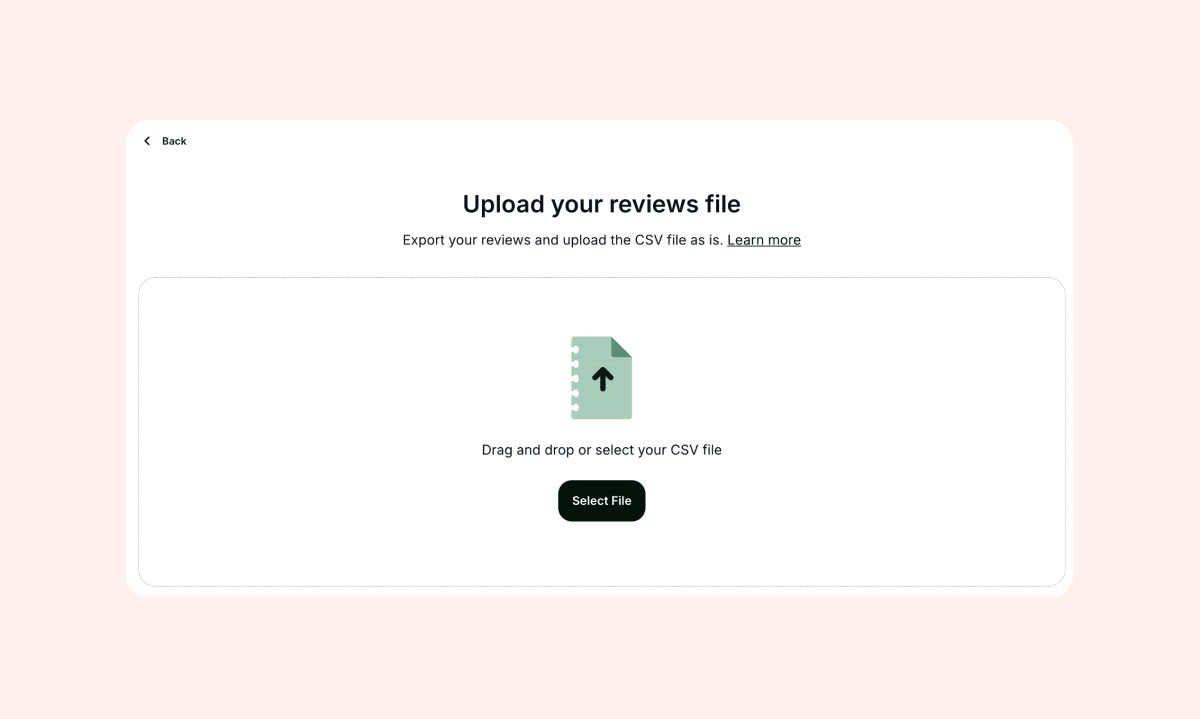
- Upload your CSV file exactly as exported.
- Once the import is complete, you will receive a review import summary email specifying the number of successfully imported reviews. The email will be sent to your primary notification email in Loox.
- If any reviews fail to import, the email will also include a CSV file listing errors that need to be corrected before re-importing.
- Imported reviews will appear in your “Manage Review” settings section.