
Short answer: no. Loox is built to load in the background, so your store loads at full speed. Our widgets and scripts were designed with performance in mind from the start - and as an app that's Built for Shopify, we meet Shopify's strict performance and quality standards.
How Loox loads on your store
When a shopper visits your store, the browser prioritizes your theme - your product images, text, prices, and Add to cart button. Loox loads alongside that, not in front of it.
Here's what happens in order:
- Your theme starts loading.
- The Loox script downloads in the background, without blocking anything.
- Your product page becomes visible and interactive.
- Loox widgets fill in as the shopper scrolls.
You don't need to configure anything for this to work. It's how Loox runs by default.
Note: Loox widgets will appear only after the page is fully loaded and ready for customers to interact with, including all of its scripts and visual elements (photos/videos).
The technical side, explained
If you've run a speed test and come across terms like LCP, async, or render-blocking, here's what they mean and how Loox handles each one.
Async loading
A standard script tag tells the browser to stop reading the page until that script finishes downloading - that's what "render-blocking" means. An async script works differently: it tells the browser to keep going and loads in parallel. The Loox Core Script is set to async by default.
LCP (Largest Contentful Paint)
LCP measures how fast the biggest visible element on your page - usually your main product image - appears for the shopper. Google uses it as a search ranking signal, and Shopify uses it in its store speed score. Because the Loox script is async, it stays off the critical path and your hero image loads at full speed.
Iframes
Loox widgets (like the Reviews Widget and Carousel Widgets) run inside iframes - self-contained areas on the page. This means:
- Loox does its work in its own space, without competing with your theme's code
- A widget displaying many reviews with photos won't drag down the rest of your page
- If anything goes wrong with a widget, it can't affect your theme
Lazy loading
Loox only loads what's needed, when it's needed - in two ways:
- Page-aware loading: Widgets only load on pages where you've placed them. The Reviews Widget on your product page won't load on your homepage, cart, or blog.
- Widget-aware loading: Each widget has its own code, fetched only when in use. If you use the Reviews Widget but not the Video Slider, the Video Slider code never downloads.
Preload hints
Preload hints tell the browser to fetch something early because it's critical - useful for things like your hero image or main font. If every app added preload hints, your product image would get pushed back in line. Loox doesn't add any, leaving that bandwidth for your store's most important content.
The Loox Core Script
When you install Loox, a small script - the Loox Core Script - is added to your theme. A few things to know about it:
- It's tiny and loads async, so it doesn't block page rendering
- It's heavily cached by Shopify's CDN, so shoppers typically load it once and reuse it
- On pages without Loox widgets, it does almost nothing
Where Loox widgets appear
Loox widgets are added through your Shopify theme editor, like any other app block. You control which pages they appear on:
- Reviews Widget - typically on the product page; add to other pages as needed
- Star Rating Widget, AI Review Stories, and Snippets Widget - usually on the product page below the title but above the "Add to cart" button
- Carousel Widgets and Video Slider - add on any page where they make sense, like your homepage or a landing page
To remove a widget from a page, remove the app block in the theme editor. The widget's code stops loading on that page right away.
Tips for optimizing further
Loox is already optimized out of the box, but if you want to go further:
- Place review widgets below your main product info, not above it - this keeps your "Add to cart" button in the visible area on load
- If you're not using a widget, remove it from your theme - unused blocks add unnecessary weight
- Run your speed test across multiple pages, not just one - different pages load different content
- Compare your score before and after installing any app, not just Loox - this helps isolate what each app contributes
Reading your speed test results
To check all the elements affecting your page's loading speed, use Google PageSpeed Insights or Shopify's Web Performance dashboard.
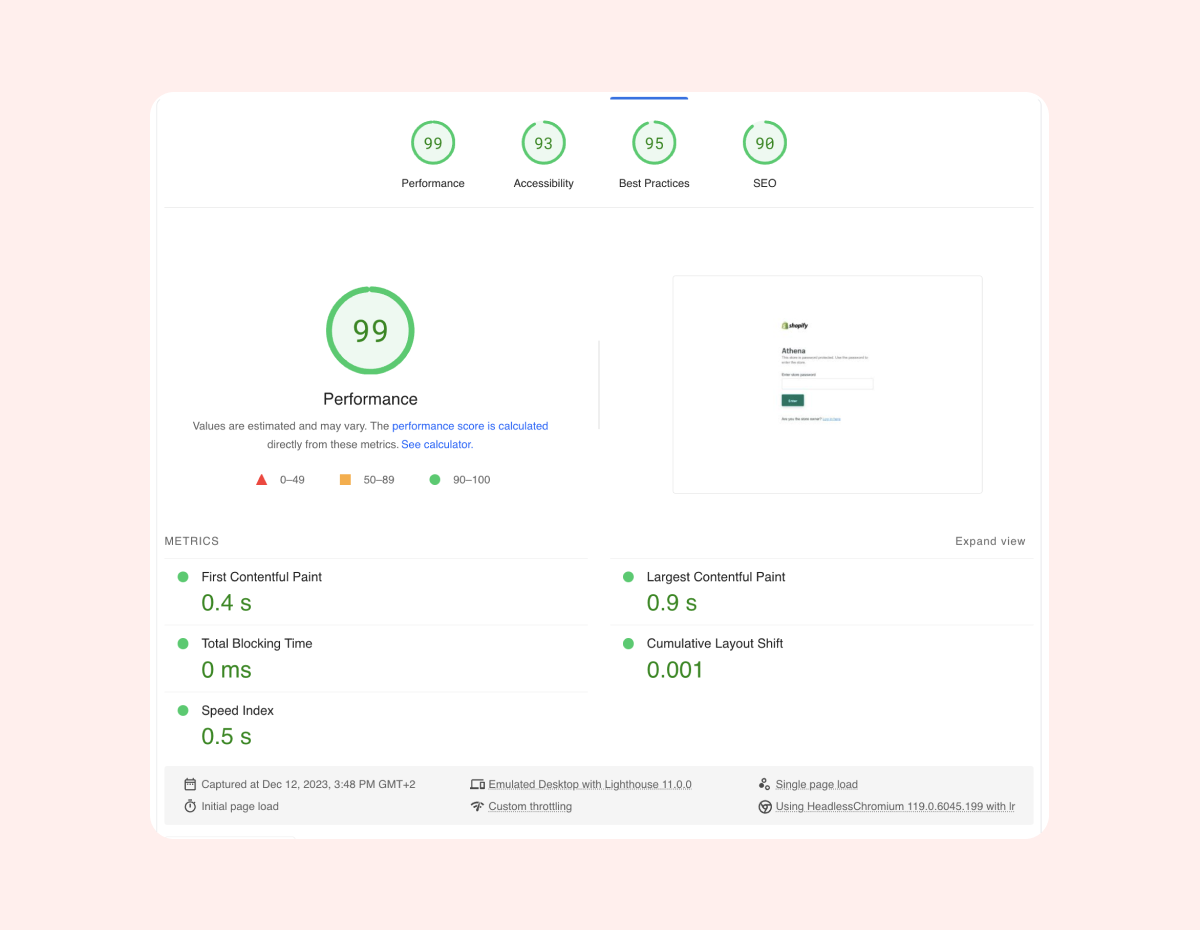
Speed tests list every script on the page, including those loading in the background. Seeing Loox in a report doesn't mean it's blocking your store. What matters is where it appears:
- "Reduce the impact of third-party code" section - This is informational. Async scripts are still listed here, and it's not a cause for concern.
- "Render-blocking resources" section - This is the one to act on. Loox scripts should not appear here.
Tip: If you're seeing something that looks off, contact our support team at [email protected] with a screenshot of the report and we'll take a look. We're available 24/7 and happy to help!
FAQs
Q: Will Loox affect my store's speed score? A: Loox is built to have minimal impact on your store's speed. The Loox Core Script is async and heavily cached, so it won't block your page from rendering. Widgets load lazily and only on pages where they're placed.
Q: Why does Loox appear in my PageSpeed Insights report? A: Speed tests list every script on your page, including ones that load in the background. Seeing Loox in the report is normal. What matters is where it appears - if it shows up under "Render-blocking resources," contact our support team. If it's under "Reduce the impact of third-party code," that's informational only.
Q: What is the Loox Core Script? A: The Loox Core Script is a small script added to your theme when you install Loox. It enables Loox widgets across your store. It loads async and is cached by Shopify's CDN, so it has minimal impact on your pages.
Q: Do Loox widgets affect the LCP score? A: Loox widgets load after your theme's critical content - including your main product image - so they don't affect your LCP score.