
Your customer reviews will help you build credibility for your new products, increasing interest as well as your total order volume.
Note: You can send manual review requests only when Loox is set as your email sender. When sending review requests via Klaviyo, manual review requests are not supported.
Note: Manual Review Requests will count towards your monthly review request email quota. Visit the pricing page to learn more about your plan's email quota.
How to send a manual review request
- Head to your Loox admin under Collect Reviews > Emails and Scheduling.
- Next to Manual Review Requests, press "send."
- When the page opens, enter your customer's email address. Insert multiple addresses to send your review request to multiple customers. These manual requests use your Review Request Email template- just keep in mind that any custom placeholders you've set up there will not work in manual requests, since we won't be able to connect the email to a verified order to get details like customer name or order number.
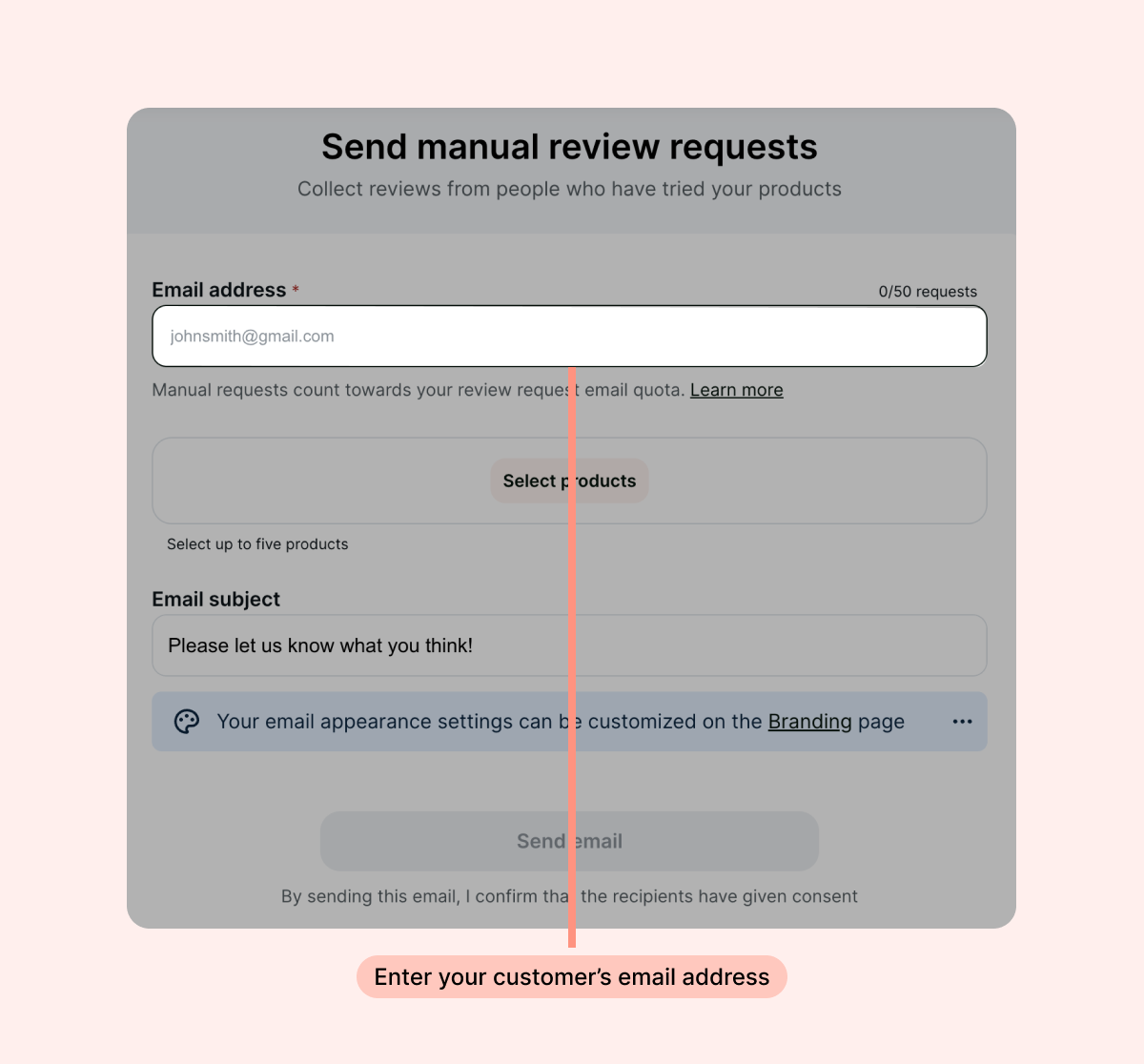
Note: Loox supports up to 100 recipients per review request email.
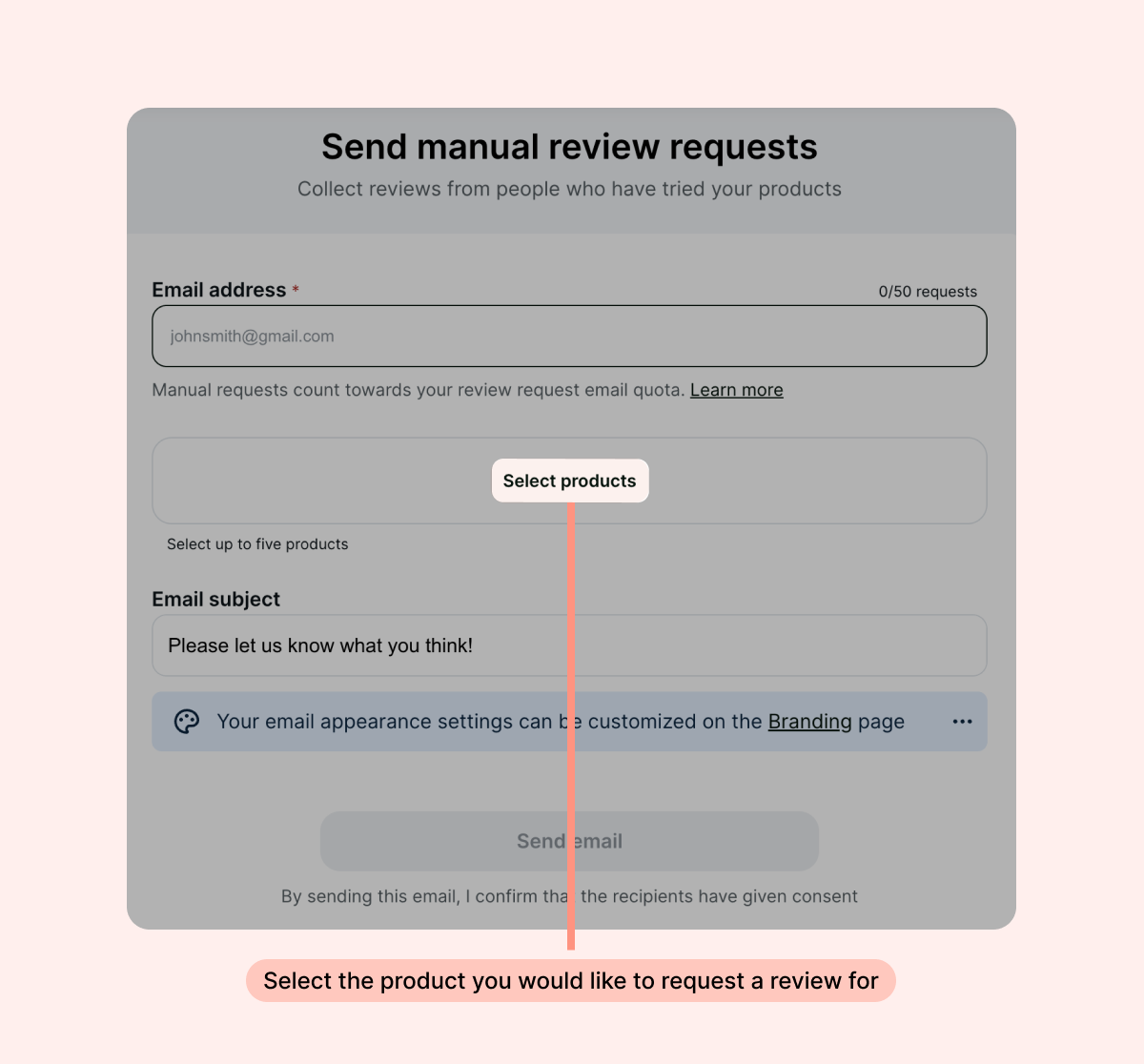
- Select the product you would like to request a review for. You can select up to 5 products per email.
- Customize the email’s subject line:
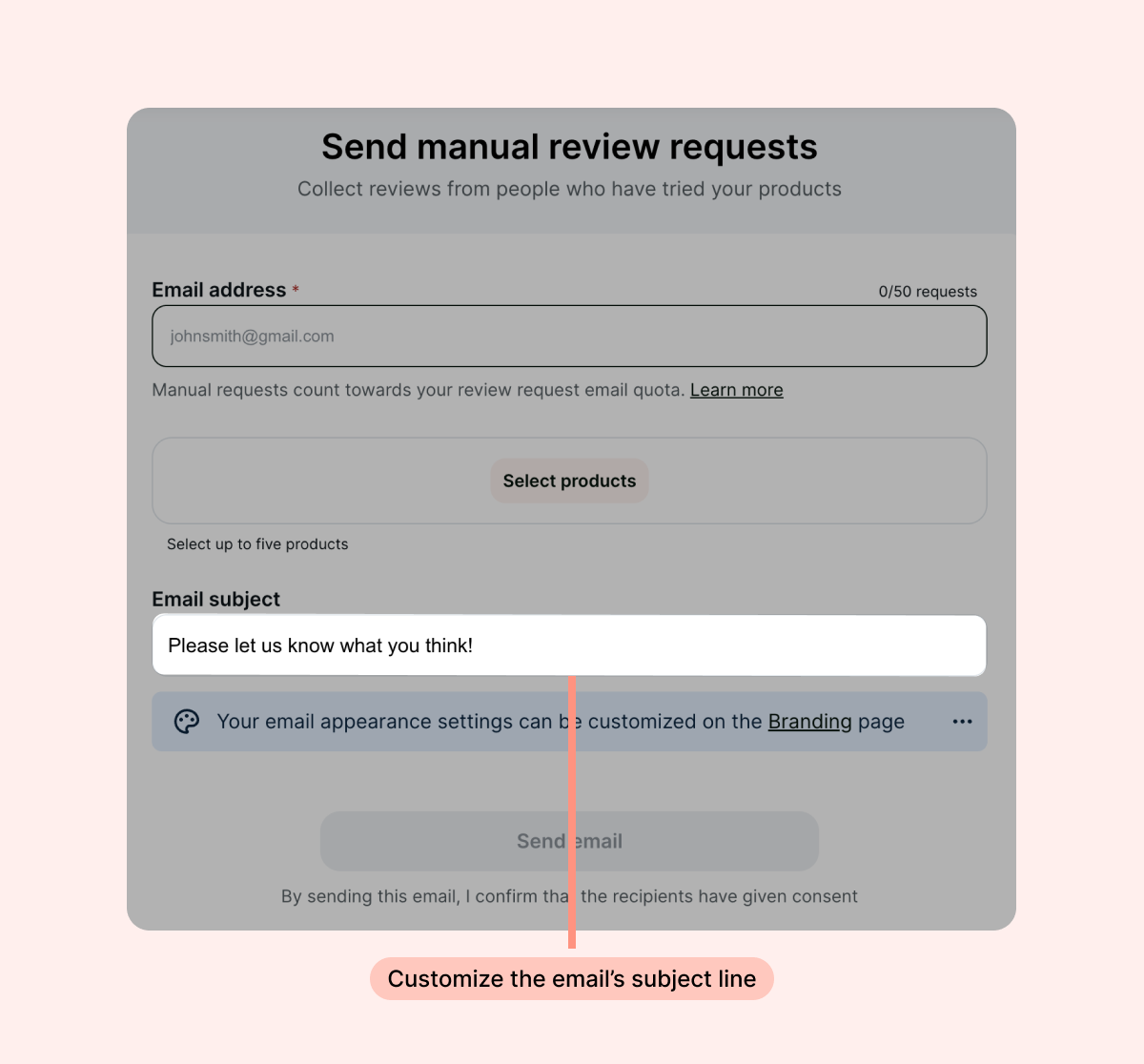
Tip: Your Manual Review Request email uses the logo from your Loox “Branding” settings, and the banner image and colors from your Global email style. Check out this guide to learn how to make Loox fit seamlessly with your brand design.
- Click “Send email”.
Bonus! When first installing Loox, you can send free review request emails in bulk for past Shopify orders from the bonus emails page.